Daily Caregiver Log Templates for Elderly Care
A shared log turns scattered observations into patterns doctors and care teams can actually act on.
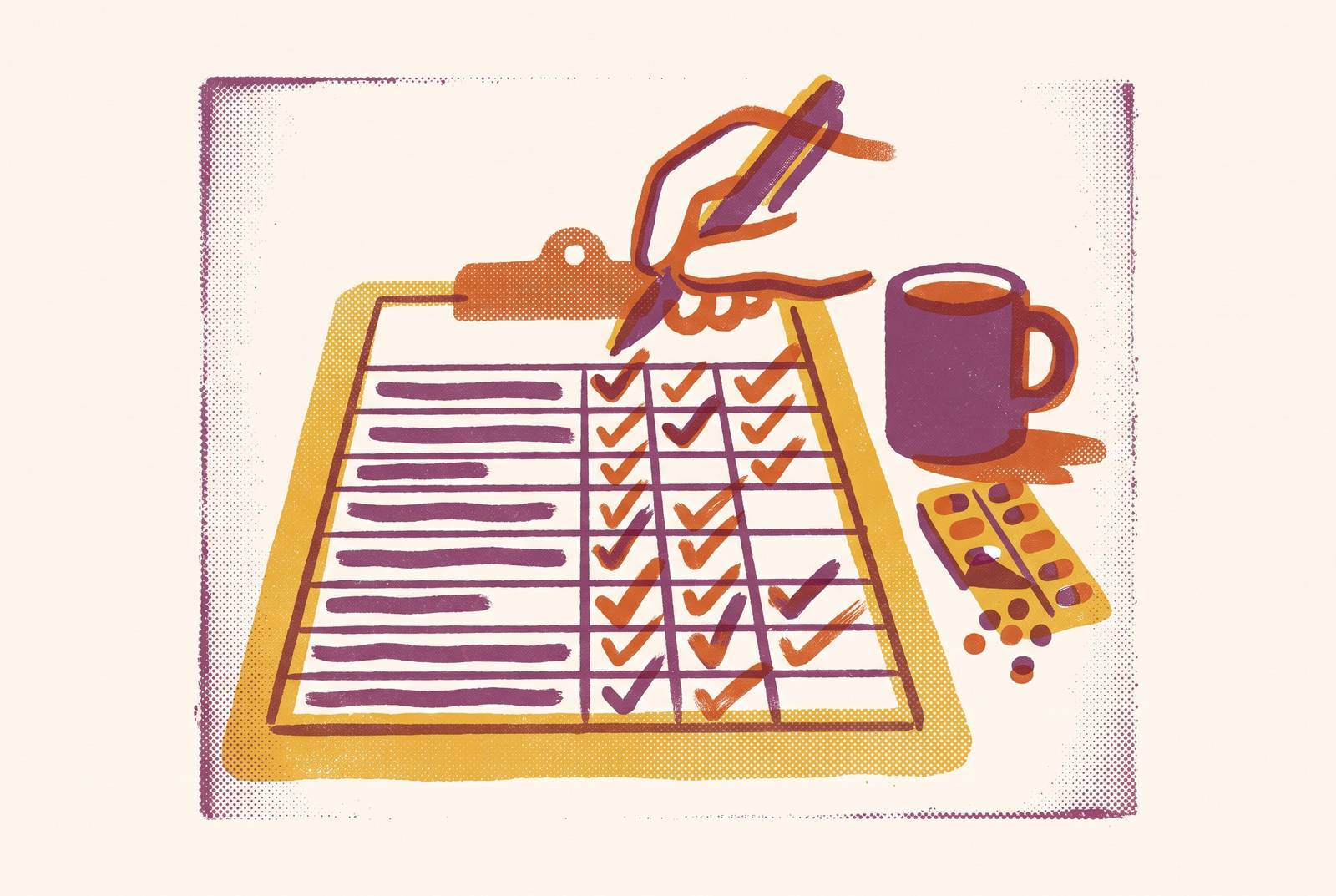
A daily caregiver log for an elderly person works only when it does one job well: moving what one caregiver knows into the hands of the next one. Care for an aging parent rarely rests with a single person. Without something written down, the details that matter most tend to live in the least reliable places: a text thread, someone's memory, a two-minute handoff at the front door. A template from Sagebeam frames the log as "one simple place to capture what actually happened each day," and that framing matters because it positions the document as infrastructure for the whole care team: it lets a family notice patterns in health, mood, and safety as they accumulate, keeps siblings and aides aligned without constant back-and-forth, and gives everyone something concrete to bring to a doctor's appointment. For families where a relative is a paid caregiver under a Medicaid program, the log takes on a second function alongside its coordination role: those programs typically require their own documentation, and a daily family log can run in parallel with those formal records.
The header block: the four facts every entry needs before anything else
Every section that follows in a caregiver log depends on a detail most people are tempted to skip: who was there, and when. An entry without a clear header becomes nearly impossible to act on later, because a doctor, a sibling, or a new aide reading it has no way to connect an observation to the person who made it or the hours it covers. Sagebeam's template handles this with four fields: date, the time period covered (something as simple as "8am–4pm"), the caregivers present by name and role, and whether the care that day came from family, a paid caregiver, or both. The payoff appears later, when a family wants to know which aide tends to get a better mood response from their parent, or which shift correlates with a missed medication dose. Names must be tied to entries for any of that to be answerable.
The daily overview: a two-to-three line summary that orients every reader of the log
Just beneath the header, a short summary, two or three lines at most, gives anyone picking up the log a sense of the day before they read a single detailed field. This is the answer to the question a sibling would ask on a phone call: how was today, overall? A calm morning followed by a rough afternoon, or a visit from a grandchild that lifted her mood for the first time in days, carries information that none of the structured fields below can convey on their own. A physician or care coordinator reviewing the log before an appointment will often read this line first and use it to decide where in the entry to look more closely. The overview works as a way in, not a way around the rest of the log. A caregiver who treats those two or three lines as the whole entry, and skips the detailed sections underneath, has produced an impression rather than a record, and impressions are precisely what the rest of the template exists to replace.
Health and mood tracking: capturing changes from baseline
The health and mood section carries more of the log's diagnostic weight than any other part of the template, because this is where early warning signs first become visible, if anyone is looking for them correctly. Four sub-categories cover most of what matters clinically on a day-to-day basis: energy and stamina, pain or discomfort, mood and emotional tone, and memory or thinking changes. For stamina: "Needed to sit and rest halfway through walk to mailbox." For pain: "Back pain 6/10 most of the day; eased a bit after heat pack." For mood: "More withdrawn than usual; didn't want to take usual afternoon call." For memory: "Asked the same question about tomorrow's appointment three times." A single instruction ties all four together, buried in the template's framing: focus on what changed compared to the person's usual baseline. A caregiver who writes "seemed tired" every day for two weeks has generated nothing a doctor can use, because tired compared to what? A caregiver who writes "more tired than usual after the same morning walk she does every day" has handed a physician a data point with a before and an after built into it. For people living with dementia or significant memory loss, a general log misses too much of what actually needs tracking day to day, and Sagebeam's dementia-specific template answers that gap with dedicated space for orientation, sleep quality, and sundowning behavior, categories a standard template was never built to hold. Over weeks, a well-kept health and mood section turns a string of individually small observations into something a family can hand to a doctor: three dated examples of how she seemed different, instead of a vague sense that she hasn't seemed herself.
Medications, meals, and hydration: the three daily inputs most likely to cause harm when undocumented
Medications, meals, and hydration sit together in most templates because gaps in any one of them translate quickly into physical harm, and because the three interact with each other in ways a caregiver working alone might not immediately connect. On medication, the useful field captures what was given, at what time, in what dose, and whether it was actually taken, rather than a single checkbox confirming that "meds were done." A checkbox cannot distinguish between a dose given on schedule and one given four hours late, and that distinction matters for drugs with a narrow therapeutic window. On meals, the field that matters records what was offered against what was actually eaten, since a drop in appetite is often one of the first visible signs of infection, pain, depression, or a medication side effect in an older adult. On hydration, the relevant risk is that many older adults stop registering thirst reliably, so a log that tracks fluid intake across the day can flag dehydration while it's still manageable, before it becomes an emergency room visit. Sagebeam's template groups all three under one heading, "Meals, medications, and hydration," and that pairing reflects how the three actually behave together in practice: a skipped meal changes how a medication gets absorbed, and low fluid intake paired with a new diuretic prescription is the kind of combination that turns into a safety event without warning.
Mobility, safety observations, and fall documentation
Falls demand documentation with some urgency, but the mobility and safety section of a log earns its place by covering a wider range: how someone walked that day, what kind of help they needed moving from bed to chair or chair to toilet, whether a fall or near-fall happened, and anything noticed in the home that could pose a risk. Sagebeam's template names this section directly, "Mobility and safety: walking, transfers, falls or near-falls, home safety concerns," and treats it as a standing category rather than something a caregiver adds only after an incident. A near-fall that gets written down, something like "caught herself on the bathroom doorframe, seemed startled," might look minor in isolation. Three similar notes across a single week stop looking minor and start looking like a pattern a physical therapist or physician can act on, information a single undocumented stumble would never surface. For people recovering from specific procedures or managing specific conditions, the base mobility fields often aren't enough on their own; a hip replacement recovery log or a CHF symptom tracker adds targeted fields the general template doesn't anticipate. This section rewards the extra line or two each day for the same reason the health and mood section does: one entry is an anecdote, and a string of entries is a pattern, and only a log catches the pattern.
Tasks completed and personal care: what a checklist format does well
The tasks and personal care section of most templates leans heavily on checkboxes, and for good reason: confirming that bathing, dressing, or light housekeeping happened is exactly the kind of binary information a checklist handles well. A checkmark next to "bath" confirms only that the task was completed. It says nothing about whether the person resisted, needed twice the usual time, showed new skin redness worth watching, or responded better to a different approach than usual. All of that is exactly the kind of detail the next caregiver needs before attempting the same task. The fix isn't complicated: a short notes field next to the checklist, or a standing instruction to jot down anything that deviated from routine, captures the qualitative layer a checkbox was never built to hold. The checklist handles confirmation efficiently. The notes field handles everything confirmation leaves out.
The "notes for tomorrow" section: why closing the loop matters as much as opening it
A log that only looks backward has done half its job. The final section of a well-built template looks forward instead, giving one caregiver a direct line to the next: follow-ups that still need to happen, like a call to the doctor about yesterday's pain level, questions for the family or care team, anything specific to watch for, and tasks that got deferred. Sagebeam's template places this as its closing section, "Notes for tomorrow / next caregiver, follow-ups, questions for family or doctors, anything to watch tomorrow," and that placement is deliberate. In a home with rotating caregivers, this is often the first thing an incoming aide or family member reads before a shift even starts, functioning the way a nursing hand-off report functions in a clinical setting. Leaving this field out means awareness only travels as far as the person who happened to notice something. A caregiver who logs an unusual symptom only under health and mood has built a record for some future review, but not an alert for the person walking in tomorrow morning.
Emergency contacts and medical reference information in the log
Alongside the daily entries, a well-built log carries a standing block of reference information that doesn't change day to day but needs to be there the moment it's needed: emergency contacts, a current medications list, known allergies, and where to find key documents like an advance directive or insurance card. That makes the log itself the most reliable place to anchor the information someone would need in a genuine crisis. This block needs updating whenever a medication or contact changes, a small reminder that the log, start to finish, is a living document.
Paper, shared digital notes, and apps: choosing the format caregivers will use
That independence from medium is a real design choice. A physical notebook kept by the door works well when caregivers are all on-site and the log needs to be something an aide can pick up without a phone or reliable data access. Sagebeam's guide describes exactly this setup, "a notebook by the door," as the natural home for a log shared among in-home caregivers. A shared digital document tends to work better once a family is spread across cities, since siblings can read and add to the same entry without photographing a page or retyping someone else's handwriting. For families using dedicated caregiver coordination apps, a 2026 roundup of such tools from Caring Senior Service covers several options relevant to log-keeping, including CarePredict, which uses AI-powered monitoring to learn an individual's patterns in walking speed, sleep, and eating habits, and flags caregivers when a deviation suggests a developing health issue, effectively automating part of the pattern-recognition that a handwritten log has historically depended on a human reader to catch. Agency-grade platforms go further, with location-verified clock-ins, timestamped entries tied to a specific user ID, and automatic alerts to family when something significant changes, features built for families working through a home care agency. For paid family caregivers enrolled in a Medicaid program, AI-powered benefit-finding tools can help clarify whether that program requires its own separate documentation, in which case the family log continues to serve its coordination purpose alongside those formal records.
Adapting the base template for specific conditions and care settings
A single template structure covers most home care situations reasonably well, but certain conditions push past what a general-purpose log was built to hold. Someone recovering from a hip replacement needs fields for prescribed exercises, wound site observations, and weight-bearing restrictions, none of which fit naturally into a standard tasks section. Someone managing congestive heart failure needs daily weight and breathing changes tracked as their own labeled fields, not folded into a general health and mood note where a meaningful trend could get lost among less specific observations. The question every family and caregiving team has to answer for themselves is where to draw that line. A reasonable rule starts with the base template and adds a condition-specific section only once a standard field has repeatedly failed to capture something the care team actually needs to act on. A specialized field that sits blank day after day does more harm than a general note that at least gets filled in. The right template, in the end, is whatever version of this structure the people actually using it will keep up with, day after day, shift after shift.